







shadow
Stock Icons
stock XP and Vista toolbar icons

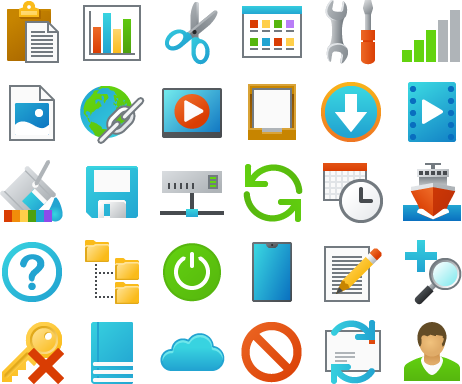
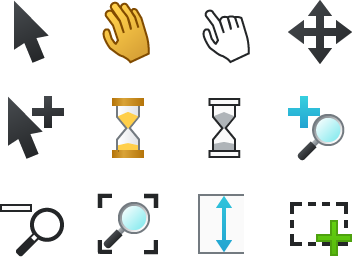
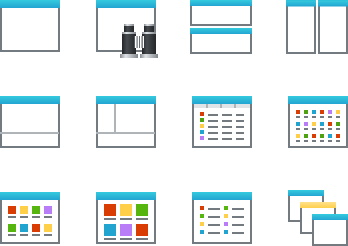
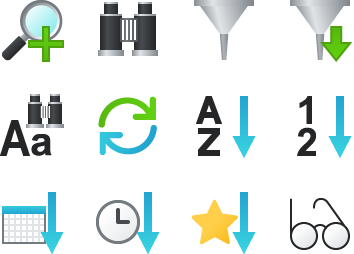
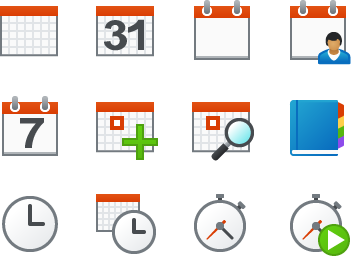
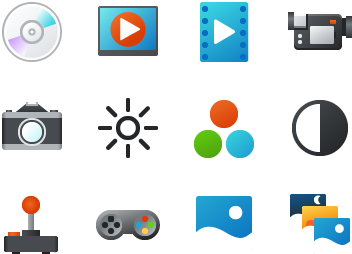
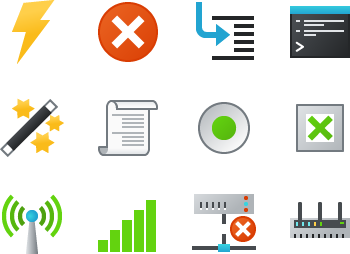
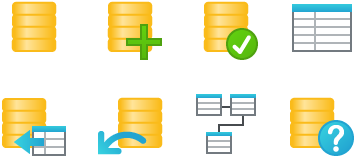
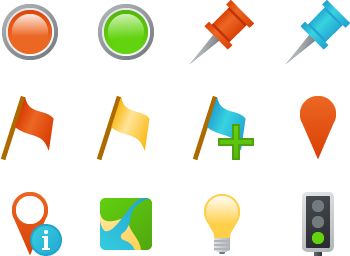
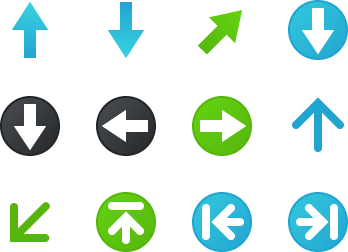
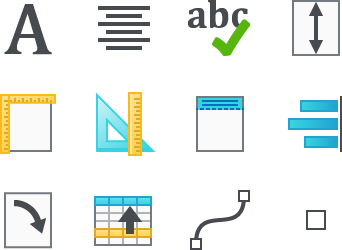
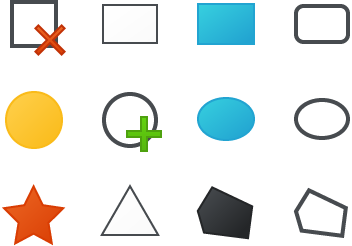
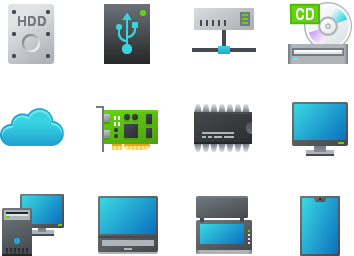
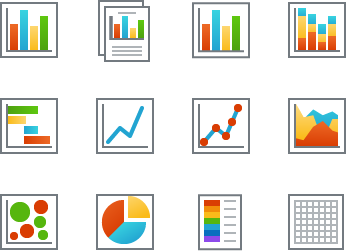
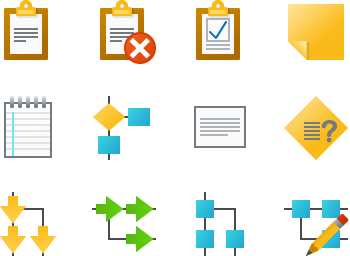
We've created a fresh, vibrant collection of over 620 stock icons covering a wide range of functions and disciplines. Icons in a colourful style that's equally suited to Windows XP and Windows Vista as well as websites. Clicking "Preview", below will show you the full set of icons ordered by category. We hope you will see what you need there, but remember - if the icons you need are not there, We can make them for you as part of Glyph Lab's custom design service.

The full set costs $199US and can be purchased securely online with immediate download. Afterwards I'm available to help you with any queries or questions you might have, and ensure you get the best out of your icons. If (in the unlikely event) you are not happy with the icons I will refund your purchase price if you request it within 30 days of purchase. Icons that are added to this set after you have purchased it will be available to you free of charge.

To see all 623 icons click "Preview". The preview will open in another browser window.

stock icons buy toolbar icons

Read on to find out what makes Glyph Lab's stock icon set special...

toolbar icon sizes

Each stock icon comes in four sizes: 16x16, 24x24, 32x32, and 48x48. These are the most common sizes for Vista and XP icons. They are not just resized from a larger image (that never works well), instead, each is carefully optimized at each size to ensure that they are as clear at 16x16 as they are at 48x48. Small icons are useful if you need to pack many functions into you toolbar or website. It's important to include the option to display larger icons if you want your software to be accessible by visually impaired users.

Each icon is supplied in these eight formats:

Windows XP / Vista .ico 32-bit

Windows .ico 256 color

32-bit bitmap with 8-bit alpha

24-bit bitmap with magenta mask

256 color gif with transparency

32-bit png with 8-bit alpha

256 color png with transparency

Adobe®Photoshop®.psd with layers

That should cover most situations, but if you need another format we can usually supply it on request.

stock icon layers

The license agreement allows you to make new icons from the stock icons, and that is made very easy by the inclusion of Photoshop format image files. In these, each object element of the icon is in a separate layer which can be moved, rotated, deleted, resized, recolored, and copied between icons.

The animation here shows a magnifying glass being copied from the Search Organiser icon to the News icon to make a Search News icon. You can see the separate layers in the Adobe® Photoshop® layers palette. Corel® Photo-Paint® and Paint Shop Pro® can also manipulate layers.

toolbar icon modes

Every image is supplied in three states or modes: normal, hot and disabled. Hot is a brighter, more saturated version of the Normal icon used to provide mouse rollover feedback.

We provide a free sample set of 21 icons and a full document listing the icons in the collection.

Download Sample SetDownload a sample set of 21 icons.
CatalogView or Download the pdf catalog.

stock icons buy toolbar icons

If you have purchased our previous common toolbar pack contact me to ask about upgrade pricing.


home - stock icons - custom design - icon blog - contact us - faq

Copyright (c) York Technologies Ltd 2007 privacy... copyright and license...